Key takeaway
- Practical FinOps for Google Cloud: labels, budgets, the FinOps hub, committed use discounts and Spot VMs, with an adoption sequence for technology leaders.
Why does Google Cloud cost need a FinOps practice?
Google Cloud bills by usage, so cost follows engineering decisions made every day. FinOps gives those decisions an owner. The FinOps Foundation describes it as "an operational framework and cultural practice which maximizes the business value of technology", built on collaboration between engineering, finance and business teams.
This guide takes the Google Cloud angle: which native tools to use, which discount models fit which workloads, and what a CTO or head of platform should put in place first. For the data platform view, read our guide to FinOps for data mesh and data fabric; for AWS, see FinOps for AWS.
What does the FinOps framework ask of a Google Cloud estate?
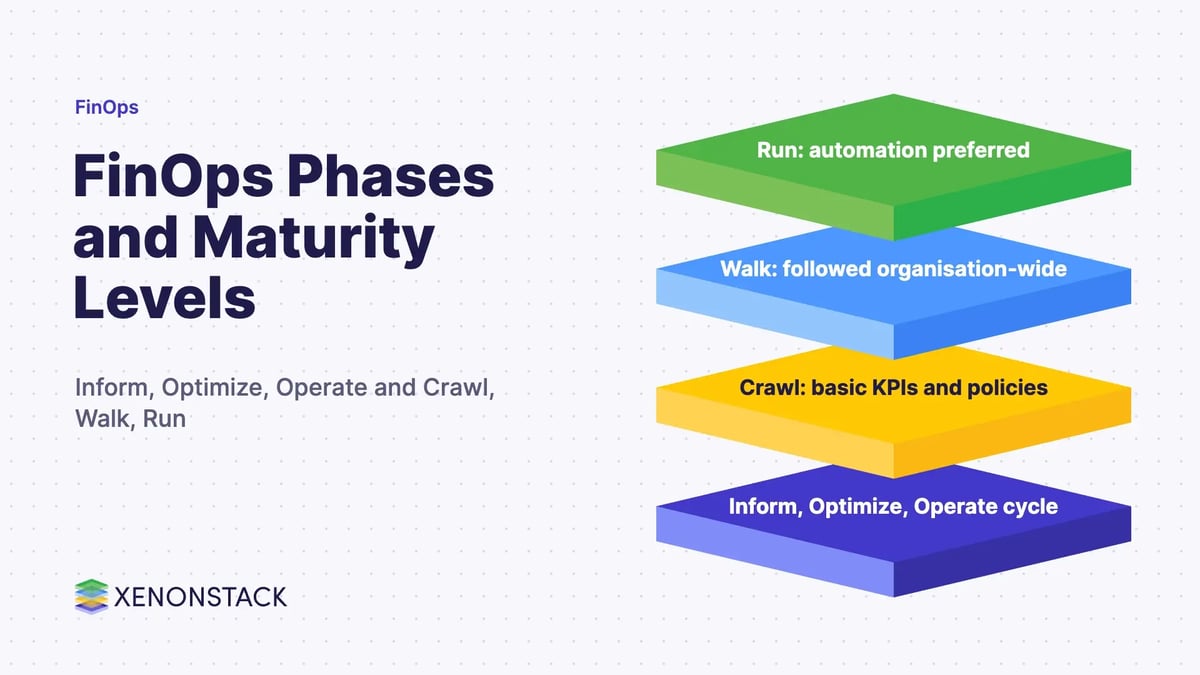
The FinOps Framework describes the journey as Inform, Optimize and Operate. It groups capabilities into four domains. The table maps each to Google Cloud practice.
| FinOps domain | What it covers | On Google Cloud |
|---|---|---|
| Understand Usage & Cost | Data ingestion, allocation, reporting, anomaly management | Cloud Billing reports and project labels so every cost has an owner |
| Quantify Business Value | Planning, forecasting, budgeting, unit economics | Budgets with forecast-based alerts, plus unit cost per product |
| Optimize Usage & Cost | Workload placement, usage and rate optimisation | FinOps hub recommendations, committed use discounts, Spot VMs |
| Manage the FinOps Practice | Governance, policy, education, automation | Review cadence, policy on labels and budgets, cloud governance |
How do labels, budgets and the FinOps hub work together?
Three native features cover the Inform phase and the start of Optimize.
Labels for allocation
According to Google Cloud documentation, labels are key-value pairs that let you organise projects and track costs across teams or environments, and they apply to projects. Agree a small set of keys (team, product, environment) and enforce them.
Budgets and alerts
Per the budgets documentation, an alerts-only budget does not cap spend. Default thresholds are 50%, 90% and 100%, they can trigger on actual or forecast spend, and a Pub/Sub topic can forward messages to other tools or automate actions. Treat budgets as early warning, not a control.
FinOps hub for ranked savings
The FinOps hub is a Cloud Billing dashboard showing realised savings, active recommendations and potential monthly savings. Per Google Cloud, it considers turning off idle resources, right-sizing, other configuration changes and purchasing committed use discounts. Its recommenders cover Compute Engine, Google Kubernetes Engine, Cloud SQL, Cloud Run, committed use discounts and unattended projects. Full billing account access is needed to see everything.
Which Google Cloud pricing model fits which workload?
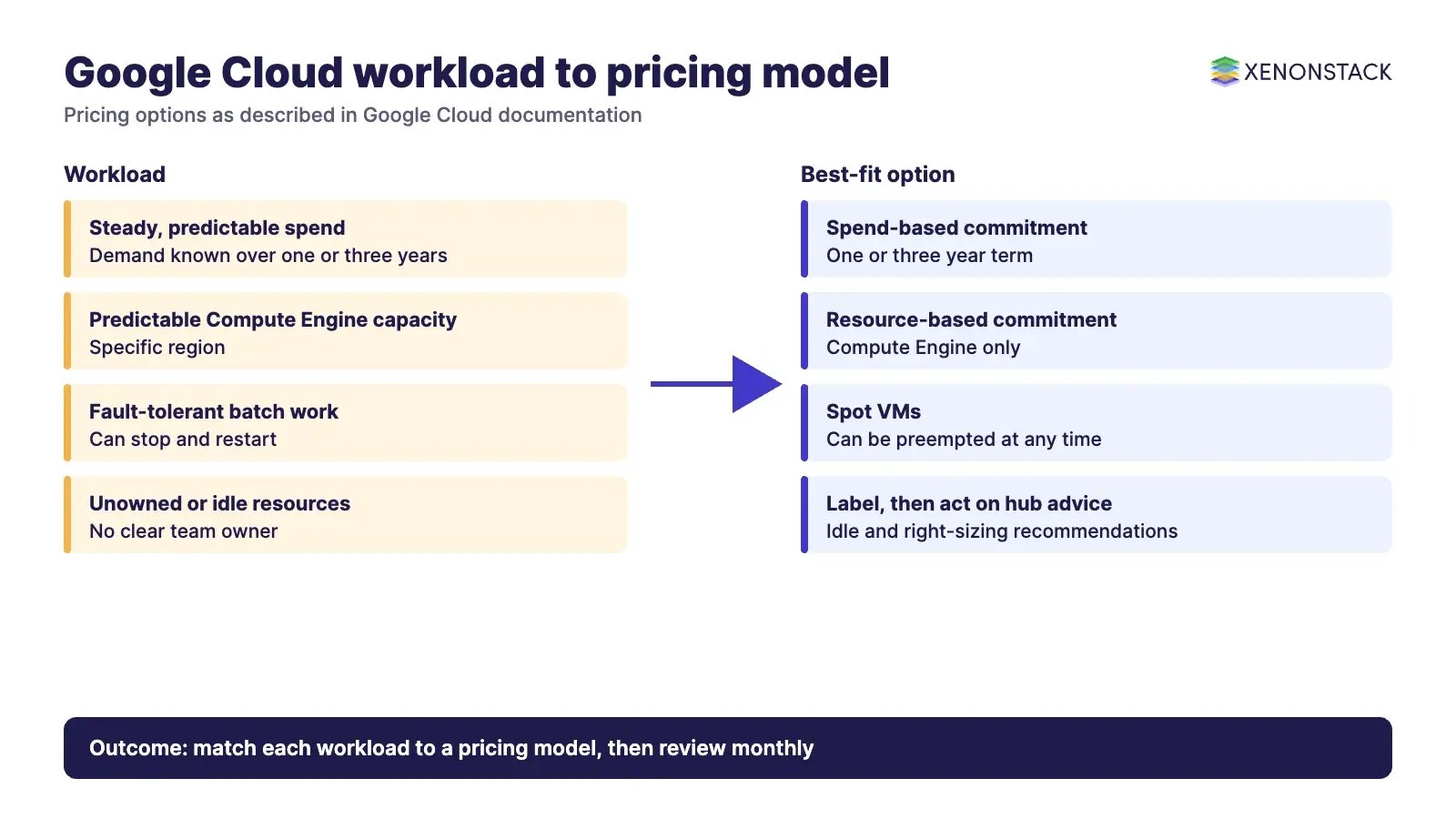
| Option | When it fits | Trade-off (per Google Cloud documentation) |
|---|---|---|
| Committed use discounts, spend-based | Steady, predictable spend | Spend-based commitments run for one or three years |
| Committed use discounts, resource-based | Predictable Compute Engine capacity in a region | Compute Engine only, for a specific region; terms up to six years |
| Spot VMs | Fault-tolerant work such as batch processing | Significant discounts, but Compute Engine can preempt them at any time |
| Managed services | Teams that should not run infrastructure themselves | Shifts operational work to Google; review cost per service |
Spot VMs are described by Google Cloud as the latest version of preemptible VMs, so new designs should start with Spot. Read the committed use discounts overview and the Spot VM documentation for current rates and limits before you commit; we do not quote percentages here because they change.
What has changed in FinOps practice?
The State of FinOps 2026 report surveyed 1,192 respondents representing more than $83bn in annual cloud spend. It reports workload optimisation and waste reduction as the top current priority, with practitioners noting diminishing returns, and FinOps for AI as the top forward-looking priority. It also reports that 98% now manage AI spend. The FOCUS specification normalises billing data across cloud, SaaS and other vendors; its site lists Google Cloud as a data generator at version 1.2.
For the AI angle read FinOps for managing AI adoption costs; for the people side, challenges of adopting FinOps; for data workloads, DataFinOps.
What is the adoption sequence?
| Step | Action | Decision owner |
|---|---|---|
| 1. Inform | Label projects, link budgets, turn on the FinOps hub | Platform lead and finance partner |
| 2. Optimize | Rank recommendations, act on idle and oversized resources, then consider commitments | Engineering leads |
| 3. Operate | Set label and budget policy, review monthly, automate alerts | CTO or CIO sponsor |
Our FinOps services and FinDevOps guide cover how to bring cost into the delivery loop. AgentAnalyst lets teams ask questions of enterprise data in everyday language, which can help finance and engineering read cost data together.
When is this approach not the right one?
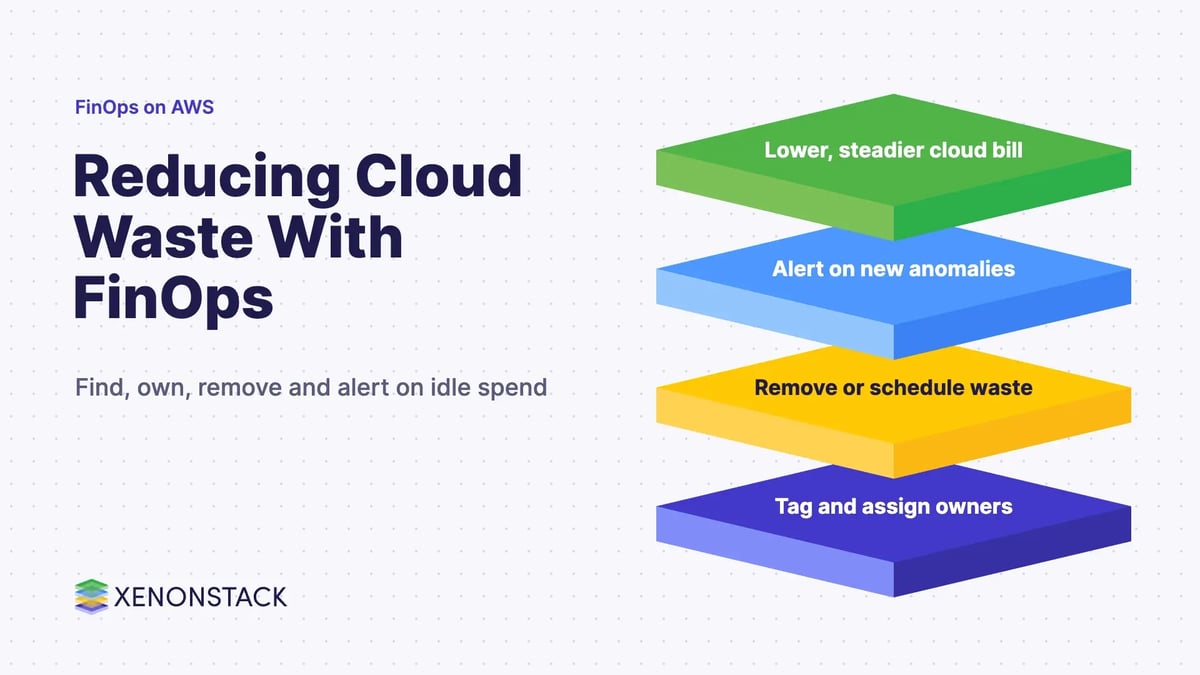
Commitments are a poor fit while demand is still unknown, and Spot VMs are a poor fit for stateful or latency-critical services. Budget alerts without owners only produce noise. If cost is not attributable to a team, fix labels before buying discounts.
To map one cost decision your agents or platform teams should make, and the context and policy it depends on, book a Context Workshop. See what happens in the workshop.
Frequently asked questions
What is FinOps on Google Cloud?
FinOps is, in the FinOps Foundation's words, an operational framework and cultural practice that maximises the business value of technology. On Google Cloud it means engineering, finance and business teams working from the same Cloud Billing data to understand cost, optimise it and govern it.
Does a Google Cloud budget stop spending?
No. According to Google Cloud documentation, an alerts-only budget does not automatically cap usage or spending. By default it sends alerts at 50%, 90% and 100% of the budget, and it can notify other tools through Pub/Sub.
What is the FinOps hub?
It is a dashboard in Cloud Billing that shows realised savings, active recommendations and potential monthly savings. It considers idle resources, right-sizing, other configuration changes and committed use discounts.
When should we use Spot VMs?
Google Cloud describes Spot VMs as suited to fault-tolerant workloads such as batch processing, with significant discounts, but Compute Engine can preempt them at any time. Do not use them for workloads that cannot tolerate interruption.
How are committed use discounts different from Spot VMs?
Committed use discounts trade a commitment (one or three years for spend-based commitments, per Google Cloud documentation) for a lower rate on steady usage. Spot VMs trade reliability for price. The first suits predictable demand, the second interruptible work.
Where do we start if there is no FinOps practice yet?
Start with the Inform phase: label projects by owner, set budgets and alerts, and turn on the FinOps hub. Then rank the optimisation opportunities, and only then put guardrails and review cadences in place.
Follow XenonStack on LinkedIn: XenonStack on LinkedIn for new guides on agentic AI, data and platform engineering.
Ready to put AI agents to work? Explore ElixirClaw, the agentic OS platform to build, orchestrate and govern AI agents.
Explore the XenonStack platform family: ElixirData · ElixirClaw · ElixirHub · NexaStack · MetaSecure · Neural AI · AgentGRC · AgentSRE · AgentAnalyst · AgentInstruct · AgentRAI · AgentScrum · AgentSearch · AgentForce · AI Aviator · SAIF Aviator · CohortIQ · XenonStack AI · XenonStack UAE